Collecting from OnBuy
To collect from OnBuy, in the Browser Tab, navigate to the Orders or Order Details page and use the Collect menu.
Enabling OnBuy
To collect and despatch sales, you also need to enable the OnBuy feature under Tools>Features
Despatching sales on OnBuy
To automate despatching sales for OnBuy, you will need to add authorisation from the Credentials Dialog.
API access
API access is required to automate despatching sales for OnBuy.
1. Creating credentials
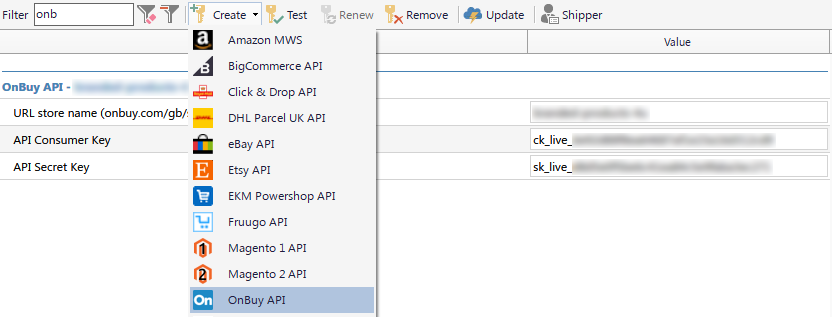
In Packing Partner go to Tools>Credentials and click Create>OnBuy API.
Testing
Once you've pasted in all three fields, click the Test button on the toolbar to verify the keys are correct.
2. Getting API keys
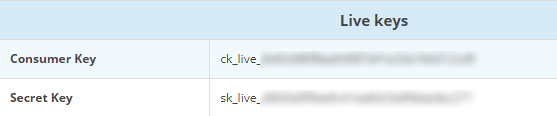
Navigate to the OnBuy credentials page here, and copy the values for the secret and consumer keys into the credentials dialog.
3. URL Store name
Click the link at the top of your On Buy account to Store, then copy the store name (only the part between the backslashes), from the browser address bar.